Most AI agent pilots in infrastructure don't die because the agent was bad. They die in a security review, when someone asks what the agent can touch, who approved it, and where the record lives, and nobody has a single answer.
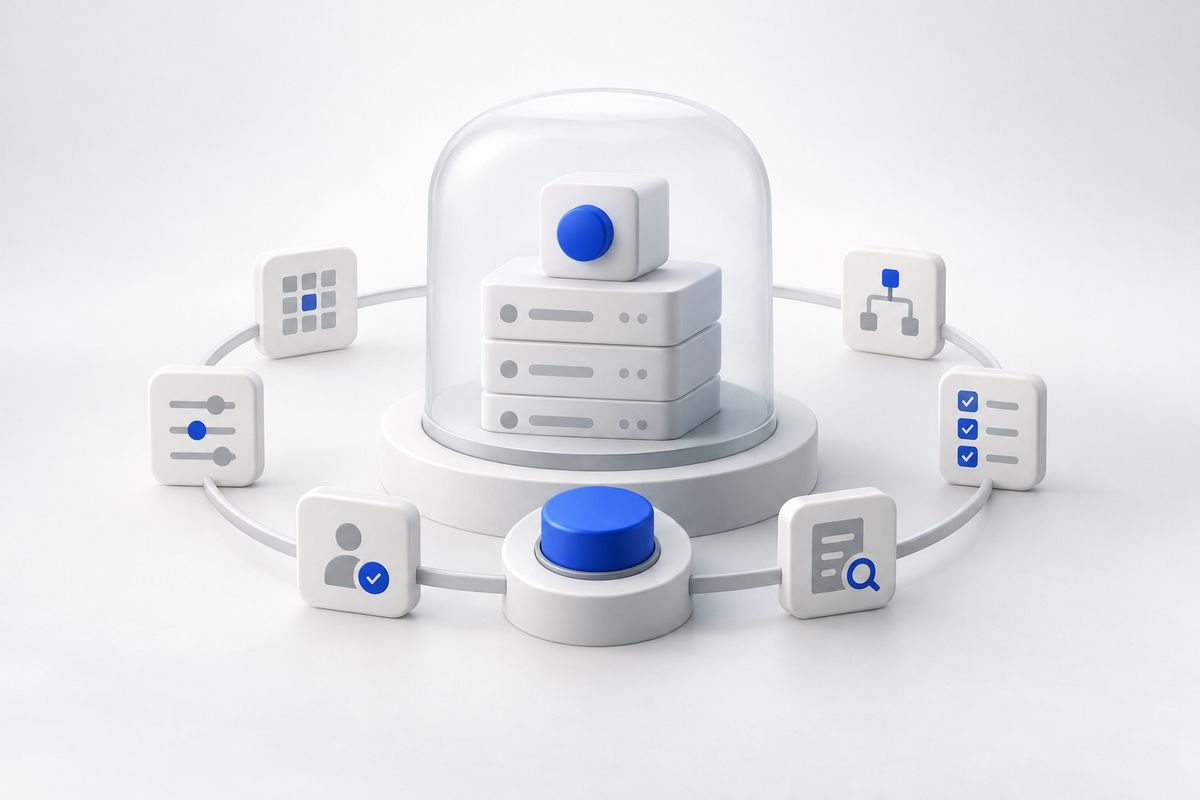
Governance is the answer to that meeting. But a framework document isn't governance, and neither is a dashboard that shows you what an agent did after it did it. Governance is whatever runs in the execution path and decides, before a command lands on a production host, whether that command is allowed.
This guide walks through six steps to build that for the agents you run against production systems: inventory every agent, scope each tool call, set approval floors by risk, enforce at runtime, keep one queryable audit record, and test the off switch. It's written for IT Ops, Infrastructure, Platform and SRE teams in regulated shops (energy, manufacturing, public sector, aerospace) where a stalled pilot usually means an unanswered audit question. You need a rough list of the systems your agents will touch and someone with authority to say yes or no. At each step, we'll show how it works in Luumen, Apiphani's governed agent platform.
Step 1: Inventory every agent and give it an owner
You can't govern what you can't list, so start with an inventory of every agent. A spreadsheet is fine to begin with. One row per agent: what it does, which hosts and systems it reaches, which credentials it uses, who owns it, and what environment it runs in.
The owner column matters more than the rest. An agent with no named human owner is an agent nobody will pause mid-incident and nobody will answer for in an audit. Make the owner a person, not a team alias, and make them the one who signs off on the permissions in the next step.
Expect the first pass to be uncomfortable. You will find the chatbot someone wired to an SSH key, the script an engineer wrapped in an LLM last spring, and the MCP server a contractor left running. Treat each one as an agent. If it can execute against production, it goes on the list, whatever it's called.
Then draw a hard line: anything that touches production is on the inventory. Every step after this one depends on it.
This inventory has a natural home in Luumen. Custom agents are built around your operations and run from one platform, and the app organizes the estate into Hosts, Credentials, Skills, Integrations, Snippets and Sessions. Because agents run and are governed from the same place, the list of what exists and the list of what's governed are the same list. You don't reconcile two systems to find out what's out there.
Step 2: Scope permissions to the tool call
Agent-level permissions are too broad. "This agent can manage Linux servers" tells you nothing about whether it can restart a service, read a config, or run rm -rf in the wrong directory. The unit of permission has to be the individual tool call.
For each agent on your inventory, list the tools it can invoke and decide, tool by tool, what it's allowed to do. Reading a log file and restarting a database are different kinds of action, and they shouldn't share a permission. A useful test: if you wouldn't hand a junior engineer a blanket role for it on day one, don't hand it to an agent.
Two habits keep this from sprawling. First, default to nothing. A tool the agent doesn't need should be unavailable, not available-but-discouraged. Second, tie the scope to the credential, not the prompt. A system prompt that says "never touch production databases" is a request. A credential that can't reach them is a control.
Luumen scopes permissions to the individual tool call, backed by RBAC. Administrators set each tool to one of three levels: Full access, Ask for approval, or Not enabled. With Not enabled, the tool isn't available to the agent, whatever the prompt asked for. That's how a lock should behave: the agent can't be talked into using something it was never given.
Step 3: Set approval floors by risk level
Not every action deserves a human. Route everything through an approver and they'll rubber-stamp by Thursday, and the control becomes theater. Route nothing and you've built an unsupervised root shell with good manners.
The fix is an approval floor: the minimum level of human review a class of action requires, set by risk. Build it as a short table. Read-only diagnostics on non-production hosts sit at the bottom. Config changes, service restarts and anything touching a production system of record sit higher. Anything that changes identity, access or data retention sits at the top, and may never be agent-executable at all.
Be honest about who approves. A patch window on a Sunday needs an approver who's awake on Sunday. If your change board meets weekly, decide which low-risk actions it has pre-approved and which still need a person in the loop at the moment of execution.
Luumen models this directly. Governed integrations are capabilities, each with a risk level, schemas, an approval floor and evidence requirements, reviewed before the integration is enabled. A tool set to Ask for approval pauses execution for inline human-in-the-loop review inside the LuumenAI chat session, so the approver sees the exact action in context rather than a ticket summary. Tools set to Full access run without asking. You decide which is which, per tool, before anything goes live.
Step 4: Enforce policy at runtime, not in the prompt
This is the step that separates governance from documentation. A policy that lives in a PDF, a wiki page or a system prompt is advice. A policy enforced at runtime sits between the agent and the host and says no.
Here's the test. If the model hallucinates, gets prompt-injected, or decides to be helpful in the wrong direction, what stops the action? If the answer is "the prompt told it not to," you have no control. If the answer is "the call never reaches the host because policy blocked it, or paused it for approval," you do.
That's the camera-versus-lock distinction. A posture tool is a camera: it shows you what an agent did. A governed runtime is a lock: it controls what the agent can do in the first place. You want the lock, and you probably still want the camera, but only one of them is governance. If you're weighing this against alerting and scoring tools, our piece on governed AI operations versus AIOps draws that line in detail, and the one on incident management covers the paging side.
In Luumen, every action runs under policy guardrails in the execution path. The per-tool levels from steps 2 and 3 aren't suggestions fed to the model. They're enforced when the tool call is made. The same applies in multi-server automation from LuumenAI chat, where one conversation can operate many systems and still pauses for inline approval when policy says so.
Step 5: Keep one queryable audit record
Audit findings rarely come from the thing that went wrong. They come from not being able to prove what happened. When an auditor asks "show me every production change an agent made in Q3, who approved it, and what it touched," the answer can't involve stitching together chat transcripts, SSH logs and a ticketing export.
Insist on one record. It should be queryable, not just retained, and each entry should carry enough fields to answer the usual questions without a forensic project: which org and workspace, which session, which tool, what risk level, what status, whether approval was required and granted, and when.
Test it before the auditor does. Pick a real agent action from last week and trace it end to end: the request, the policy decision, the approval, the execution, the result. If any link requires someone's memory, the record has a hole.
Also decide retention and access up front. Who can read the log? Who can export it? Does it sit somewhere your agents can't edit it? These are boring questions that become urgent exactly once.
Luumen keeps every governed action in one queryable log with the fields above: org, workspace, session, tool, risk, status, approval state and date. Governance and audit come from the same execution path, so the record isn't a reconstruction. It's what the runtime wrote down as it decided.
Step 6: Test the off switch before go-live
Everyone has a kill switch on the slide. Almost nobody has pulled it. Before an agent touches production, rehearse stopping it, the way you'd rehearse a failover.
Run three drills. First, revoke a single tool mid-session and confirm the agent loses it immediately, not at the next restart. Second, set a tool to Not enabled and try to get the agent to use it anyway, with a direct instruction and then a deliberately sneaky one. It should fail both times. Third, trigger an approval request and let it time out, then confirm the action doesn't execute by default.
Time each drill. If stopping an agent takes a Slack thread and three people, that's your real response time, and it's the number a security reviewer will care about. Write down who has authority to flip the switch at 3am and make sure they know it.
Then re-run the drills whenever you add an integration or change an approval floor. Governance drifts the way firewall rules drift: one reasonable exception at a time.
With Luumen, the switch is the same control you already set in step 2. Moving a tool to Not enabled removes it from the agent, so the drill exercises the real mechanism rather than a separate emergency path nobody has used. The thing you test is the thing that runs in production.
What to do next
Run the six steps in order on one agent, not all of them. Pick the lowest-risk agent that still does real work, inventory it, scope its tools, set its floors, confirm enforcement, pull one audit record, and rehearse the off switch. That single pass gives your security reviewer something concrete to approve instead of a policy to debate.
If the pilot is stalled, bring the audit record and the drill results to the next review. Evidence moves a blocked pilot faster than another architecture diagram. Then widen the scope one agent at a time, repeating the drills each time you add a tool or an integration.
Conclusion
Governance that isn't in the execution path is a hope. Build the six steps, and the stalled pilot stops being a debate about trust and becomes a review of evidence.
Book a demo to see how Luumen scopes an agent's tools per call. You'll see each tool set to Full access, Ask for approval or Not enabled, a live action pause for inline approval in LuumenAI chat, and that same action in the audit log with its risk, status and approval state attached.